

Some Features of Kitflow
Elevate your equipment rental business with Kitflow’s robust tools—track assets, generate PDFs, and manage QR labels to boost efficiency and control.
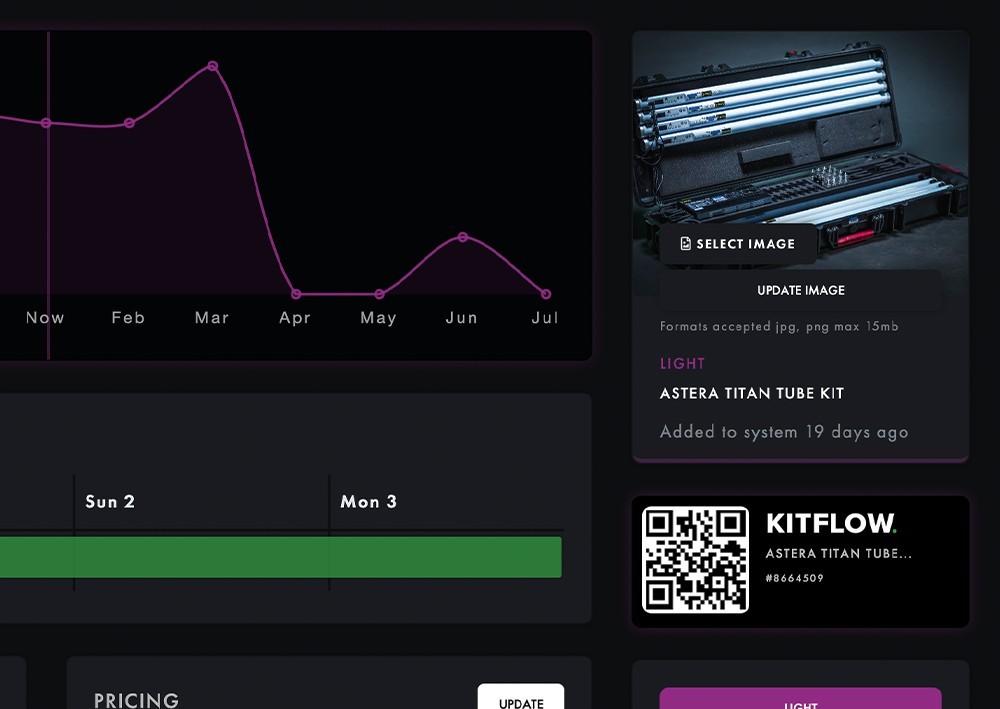
Real-Time Equipment Tracking
Stay In Control of Your Assets
Track your equipment in real time to prevent loss, optimize usage, and ensure availability across multiple projects.
- Track Location & Usage
- Prevent Loss & Damage
- Detailed Monthly Reports
- Detailed Equipment History
Generate PDF Documents
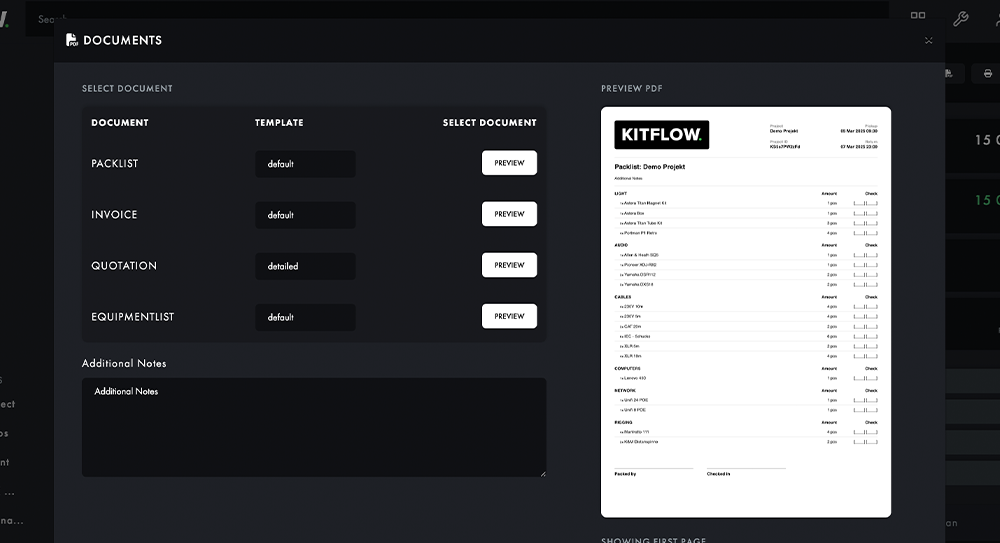
Create professional PDFs such as pack lists and quotations in just a few clicks. Tailor documents with templates to fit your business needs.
- Customizable Templates
- Quick Document Creation
- Downloadable PDFs
- Easy Sharing & Printing
QR Label System
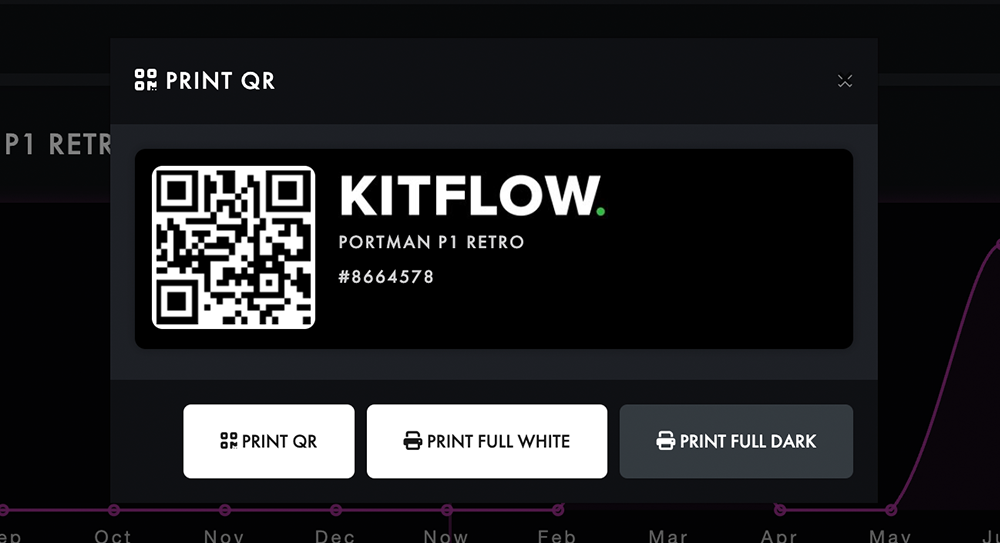
Efficiently manage your assets with our QR label system. Easily scan and track items in and out of warehouses for precise inventory control.
- Print QR Tags for Assets
- Scan with QR scanners
- Track Assets in Real-Time
- Improve Efficiency
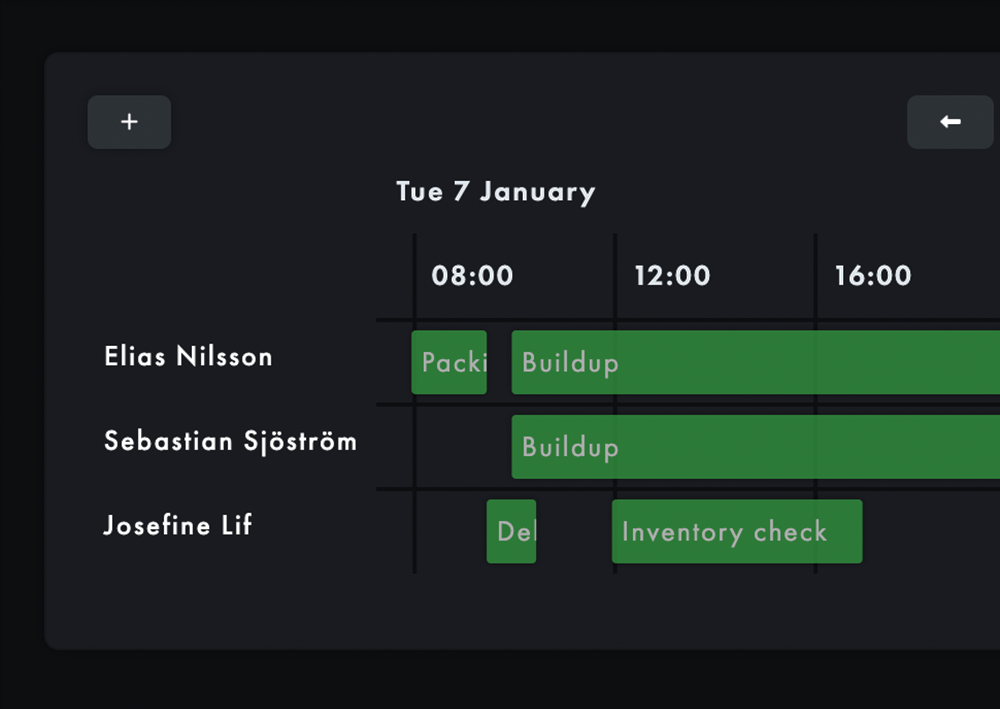
Crew schedule
Stay In Control of Times
Automatically schedule and manage bookings, crew and resources, avoiding double bookings and optimizing the use of your crew.
- Assign Crew to Projects
- Add & Manage Crews
- Web access for Schedule
- Project Callsheets
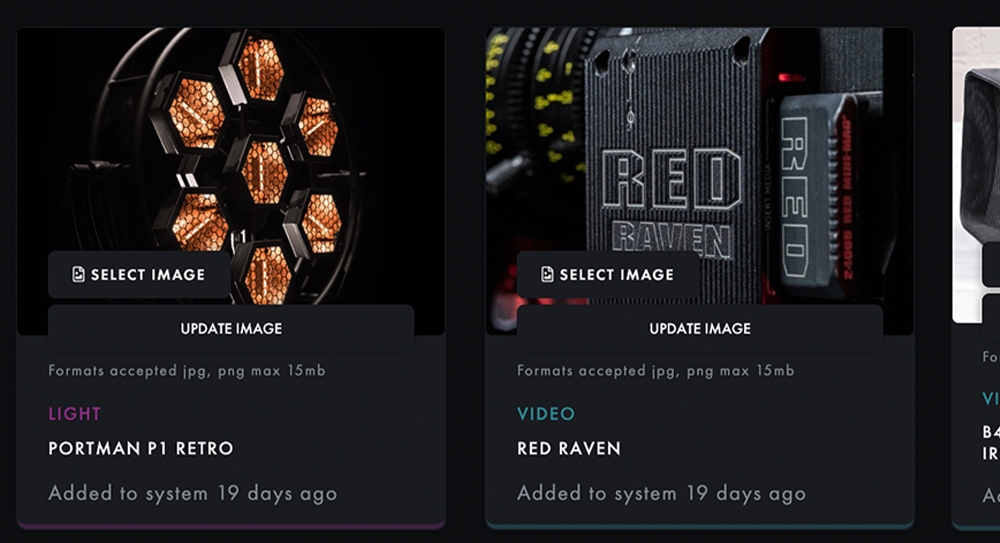
Asset library with images
Help less experienced staff identify the correct assets with high quality images, ensuring they can quickly and accurately find what they need.
- Thousands of Assets
- AI Importing
- Calculate asset value
- Track asset ROI
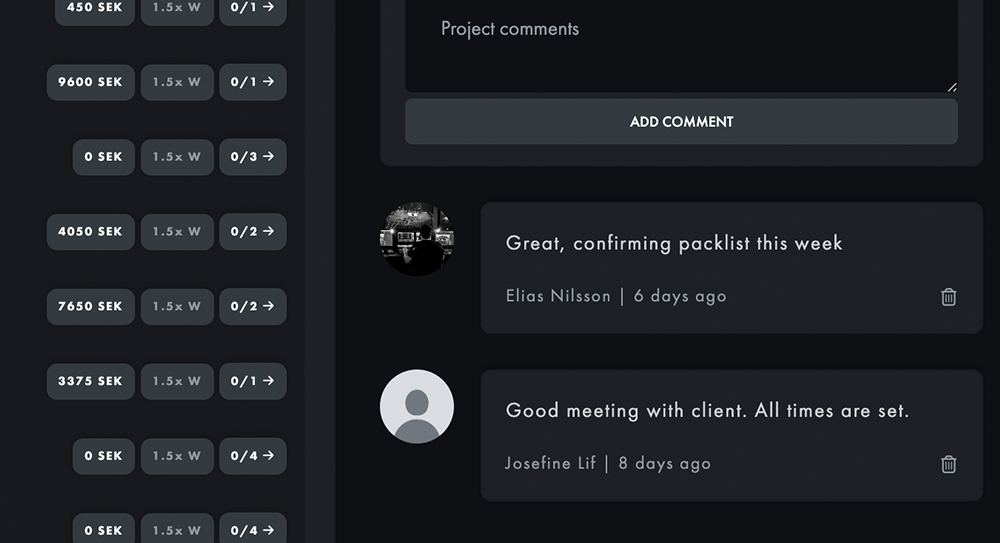
Staff Collaboration on Projects
With project comments, internal staff can easily comment on project pages, enabling seamless communication and idea sharing.
- Comment link to client
- Track project status
- Write reminders
- Keep notes
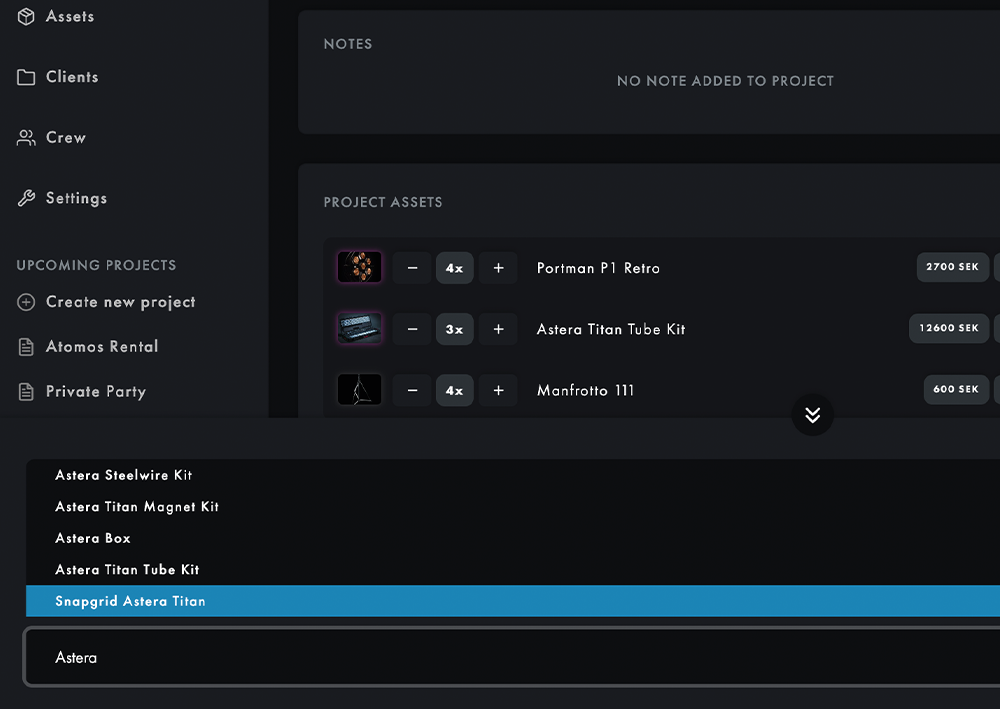
Add Assets to project quickly
With keyboard only
Add assets to your project using only a keyboard, streamlining the workflow. This allows for quicker project setup without the need for a mouse.
- One Enter Press Adding
- Live Asset Search
- Add external Assets
- Add Kits of Assets